fastpluggy-websocket-tool
Real-time WebSocket messaging: broadcast, targeted messages, live task monitoring.
$ pip install fastpluggy-websocket-tool --extra-index-url https://registry.fastpluggy.xyz/pypi/simple/
On screen
What it adds to your admin.
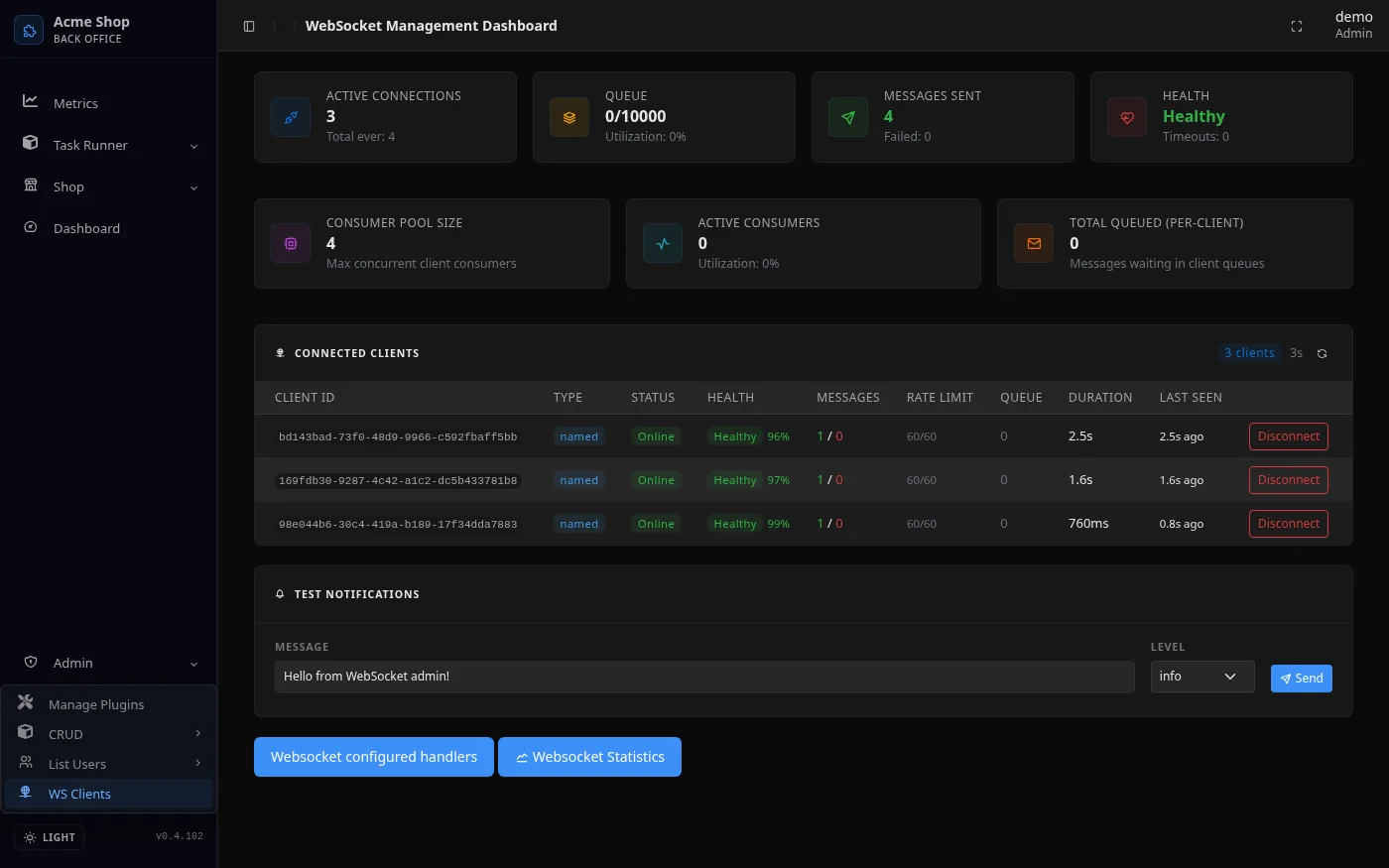
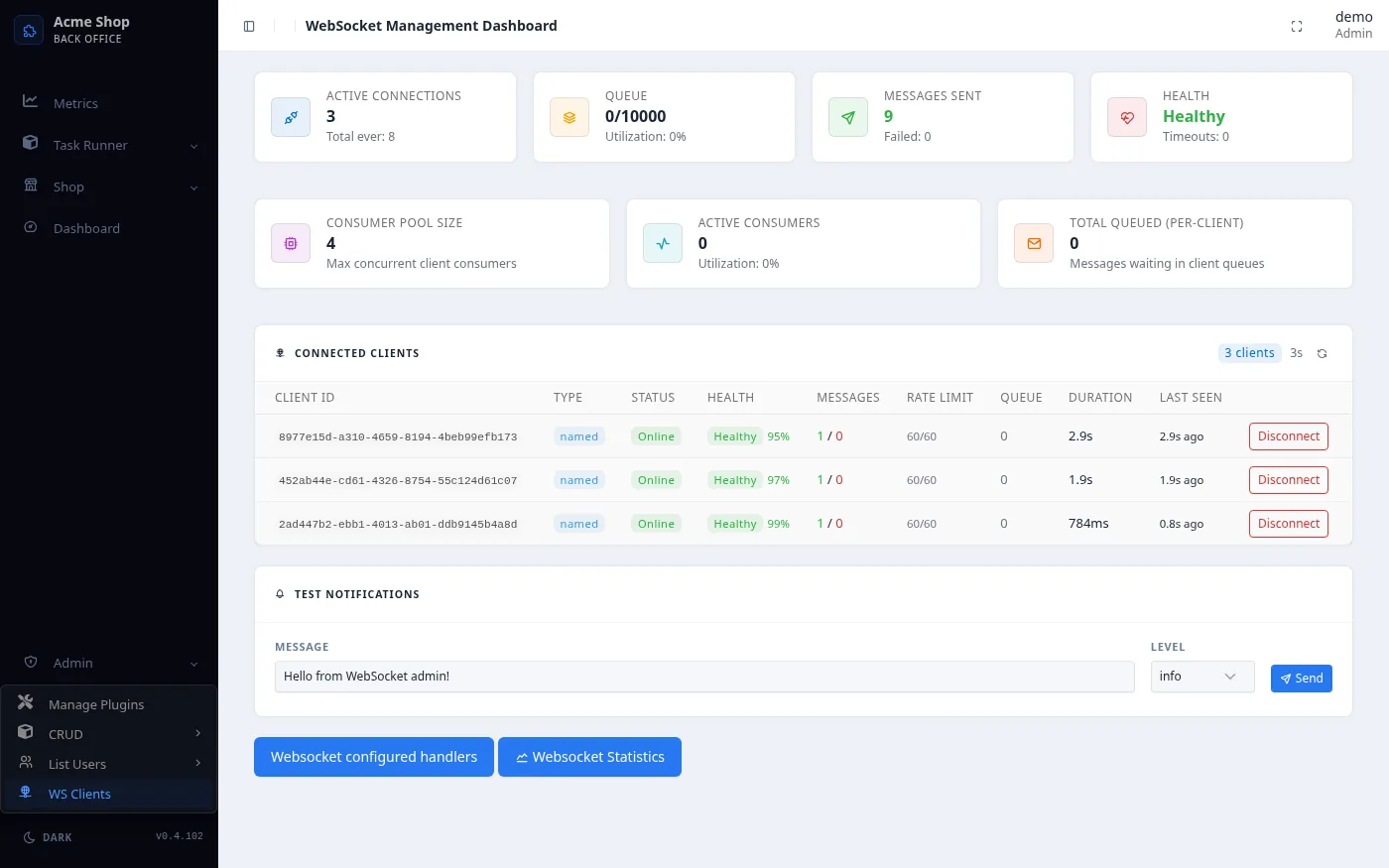
Captures of a demo app, a small shop back office with sample data, not drawings.
Install
One command, then a restart.
FastPluggy finds an installed plugin by itself when the app starts: no code to add, nothing to register.
Installing plugins, in the documentation ↗pip install fastpluggy-websocket-tool --extra-index-url https://registry.fastpluggy.xyz/pypi/simple/Into the environment of your app, from the FastPluggy registry.- Restart the appThe plugin is discovered at startup and appears in the plugin manager, where you enable, disable and configure it.
Source
Read it, and see what is open on it.
The code and the issues of this plugin are readable without an account.
Every published version, on the registry ↗More in Tasks & messaging
- tasks-workerBackground tasks over memory, local, Postgres or RabbitMQ brokers, with logs, progress, locks and schedules.